About the product
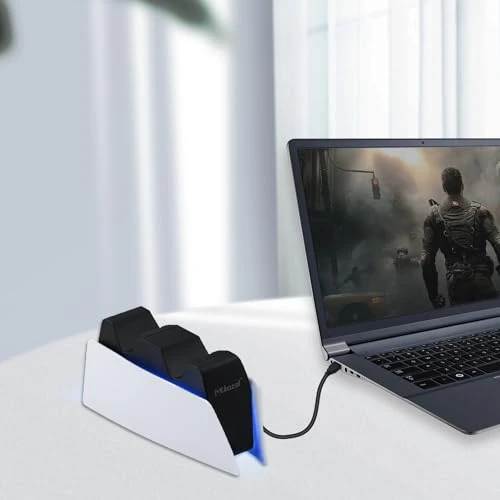
- Connection and Wake up When using the gamepad for the first time it needs to be connected to the PS5 console via a USB C cable It must be the data cable included in the package or the original data cable and then press the Home button to activate it. After completing the first connection you only need to press the HOME button to turn on the PS5 console. The gamepad is compatible with PS5 series consoles and Windows PCs and it is not compatible with PS4.
- Controller with Sound The controller is capable of producing sound providing an immersive gaming experience. Please note that the controller is only equipped with a speaker and has no microphone. If you want to use the microphone function please use an external headset. It is equipped with a 3.5mm TRRS headphone jack not compatible with Apple headphones.
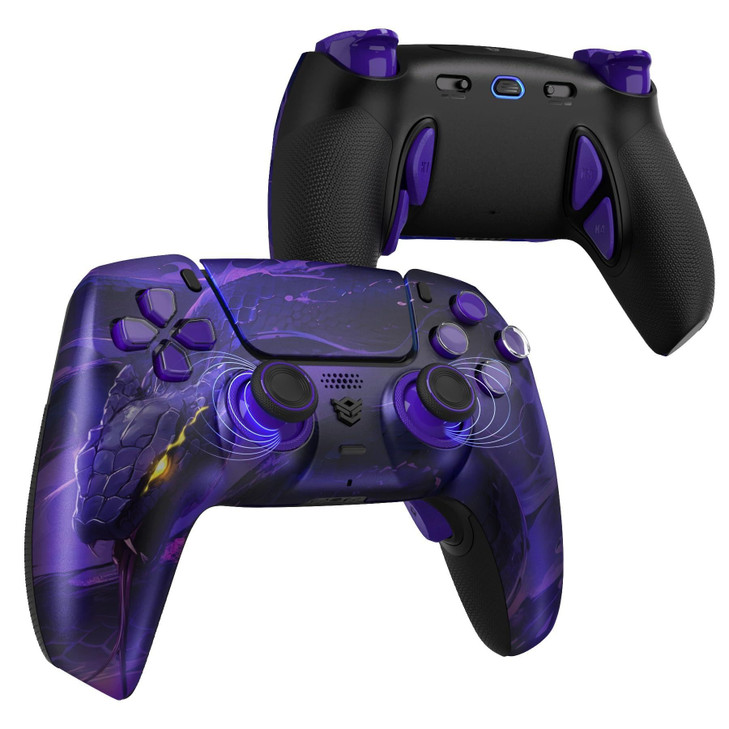
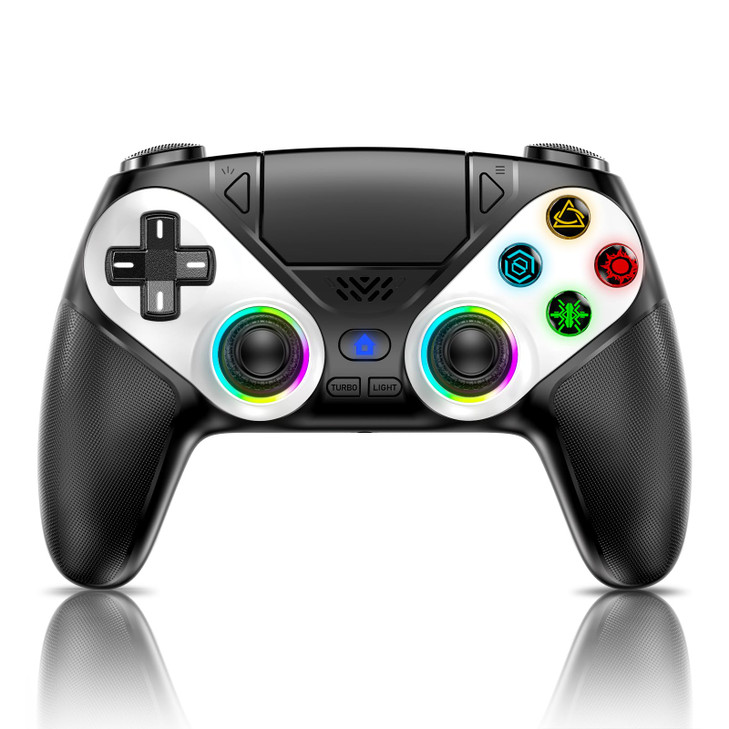
- Customizable Colors Press the Lighting button to switch colors and light effect modes with one click. It features a color memory function ensuring that the next time you use it it will still be the color you prefer.
- High Precision Joysticks Equipped with upgraded joysticks these effectively reduce the joystick dead zone and extend the controllers service life.
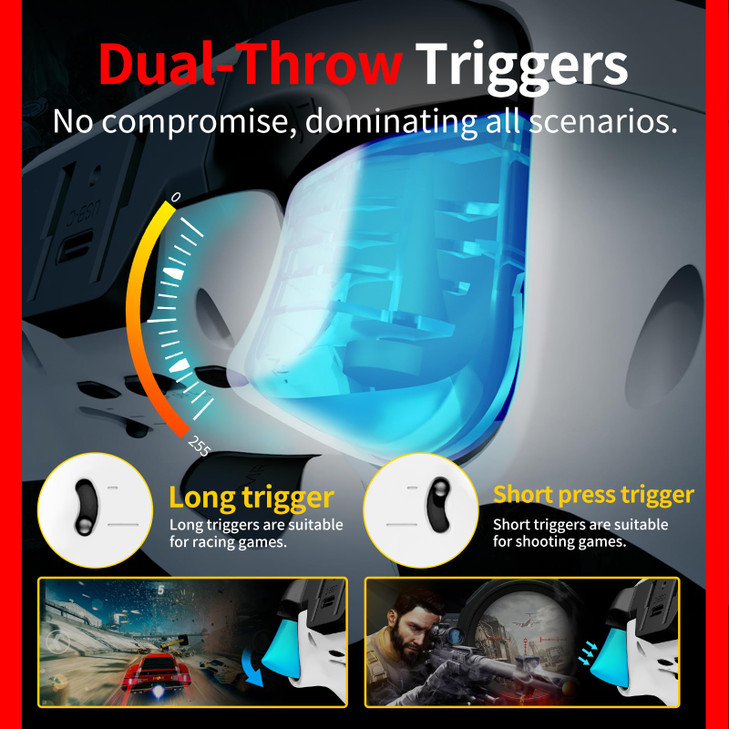
- Multiple Functions 10 times second Turbo function can be set supporting up to 16 keys programming making your gaming experience even better.
- Immersive Gaming Experience Featuring dual vibration function and paired with a high precision 6 axis gyroscope this product elevates your gaming experience to a whole new level. Its an ideal choice whether for personal use or as a gift.
- Firmware Update Please note that some functions of this controller may stop working after the compatible gaming console receives official system updates. Please use this URL to update the firmware in time we.tl t yAwofXJL9YOyyq3K