About the product
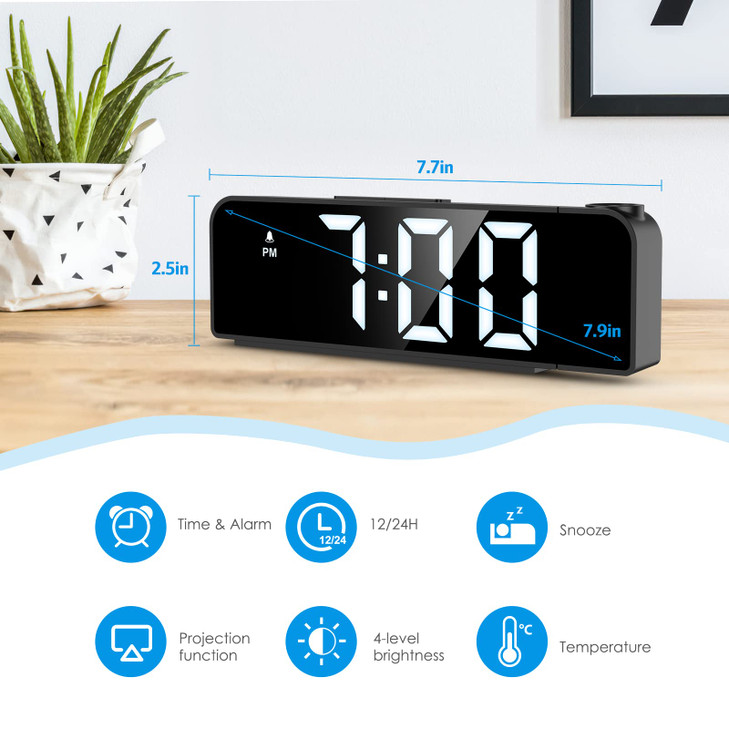
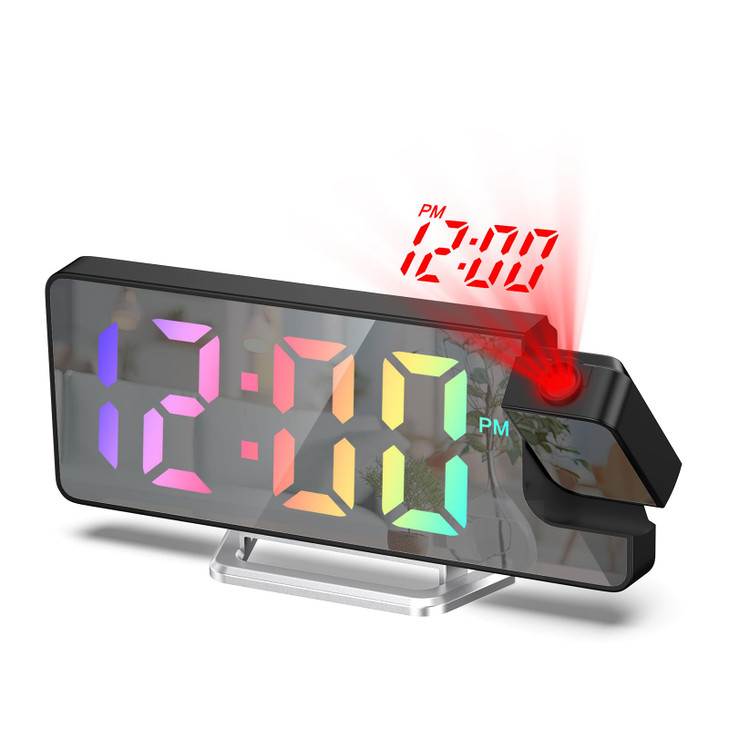
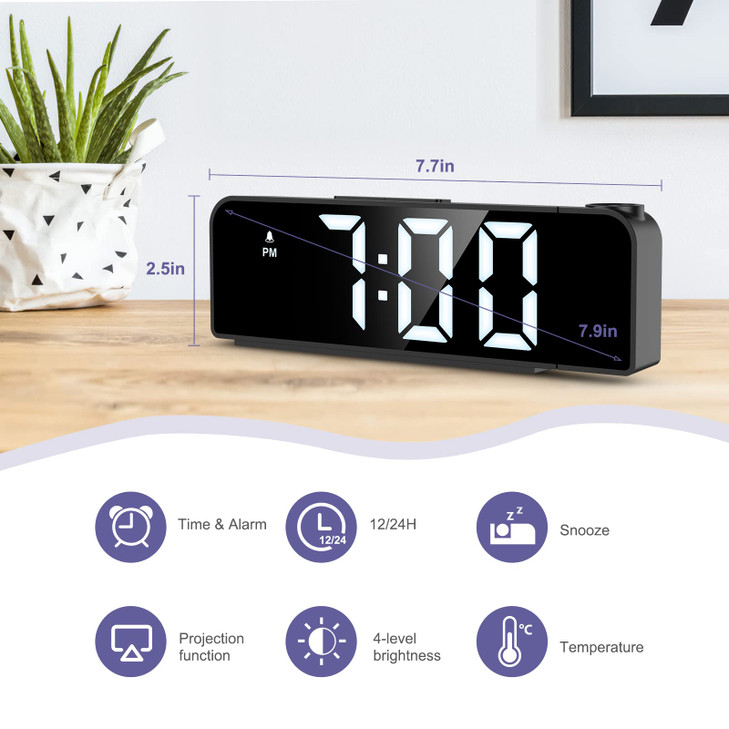
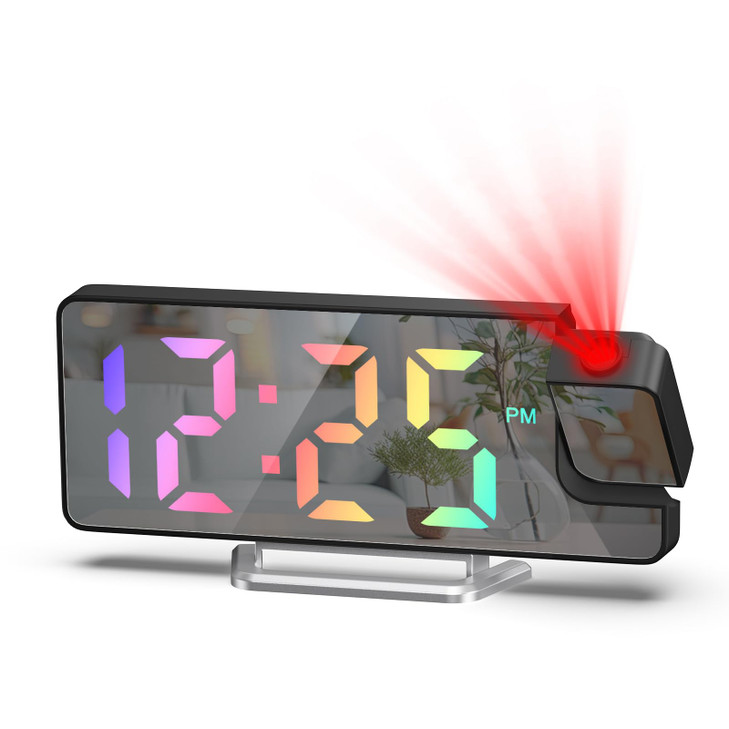
- Clear Display & Projection: Experience clarity and convenience with our newest projection alarm clock; this alarm clock features a 7.9-inch LED display with large fonts for easy viewing; designed with 180° rotatable swivel projector and projects ultra-clear time onto wall or ceiling within the optimum projection distance 1.6-16ft, allowing you easily read it even lying on the bed.
- Alarm Clock with Snooze: This projection clock never let you oversleep during the workday; choose from three alarm modes: Monday through Friday, Monday through Saturday, or Monday through Sunday; customize your snooze interval for extra rest with the snooze feature.
- Night Mode Multi-Function Display: The multi-function Projection Clock display shows time, date, and temperature, keeping you informed; easily switch between 12/24-hour formats; activate night mode for automatic dimming from 18:00 to 6:00, saving energy while you sleep.
- USB & Battery-Powered: With 2 power options, this projection clock provides reliable performance whether plugged in or powered by 3 AAA batteries; Battery backup retains settings during power outages; when using the USB cable, the LED screen is always on; a 1.5 meter charging cable is included for added convenience.
- Note: 1. The alarm clock remains continuously on only when charged via USB; 2. Remove the protective film from the screen before use.